





Dual/Triple Screen Laptop Monitor Usb-C H/D Foldable 14inch 1920x1200 Triple Portable Monitor For Laptop Multi-Screen Workstation
A000457
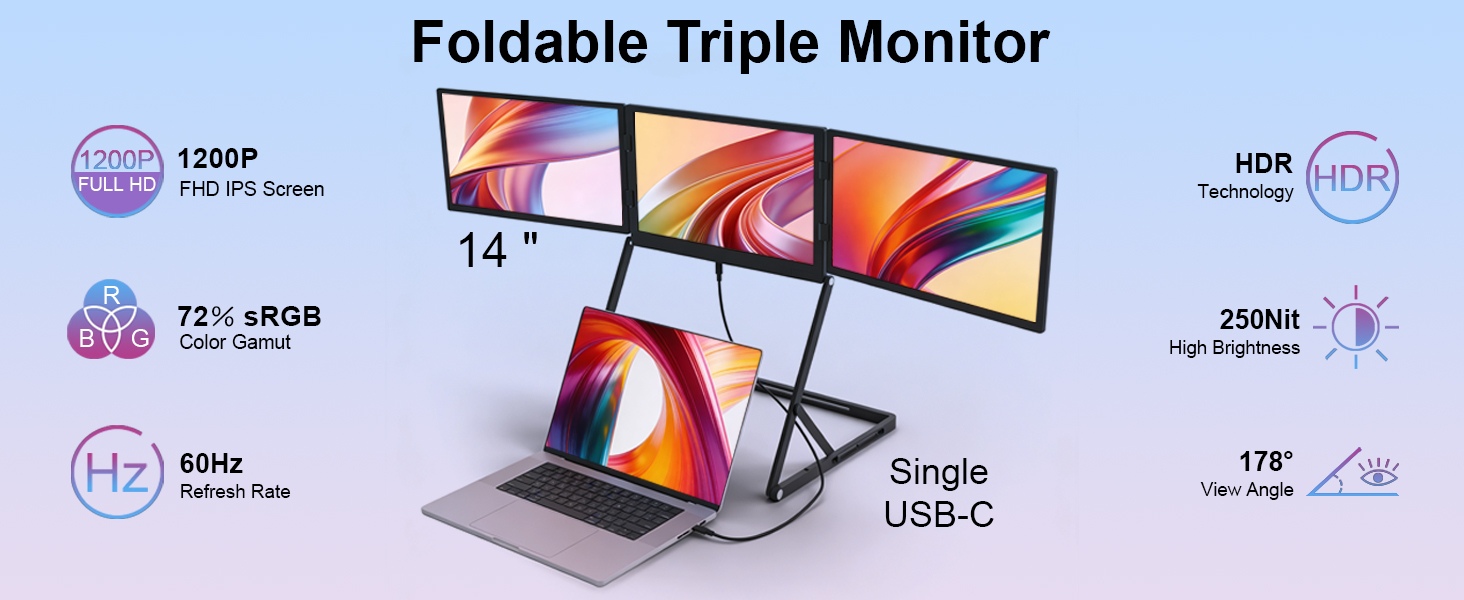
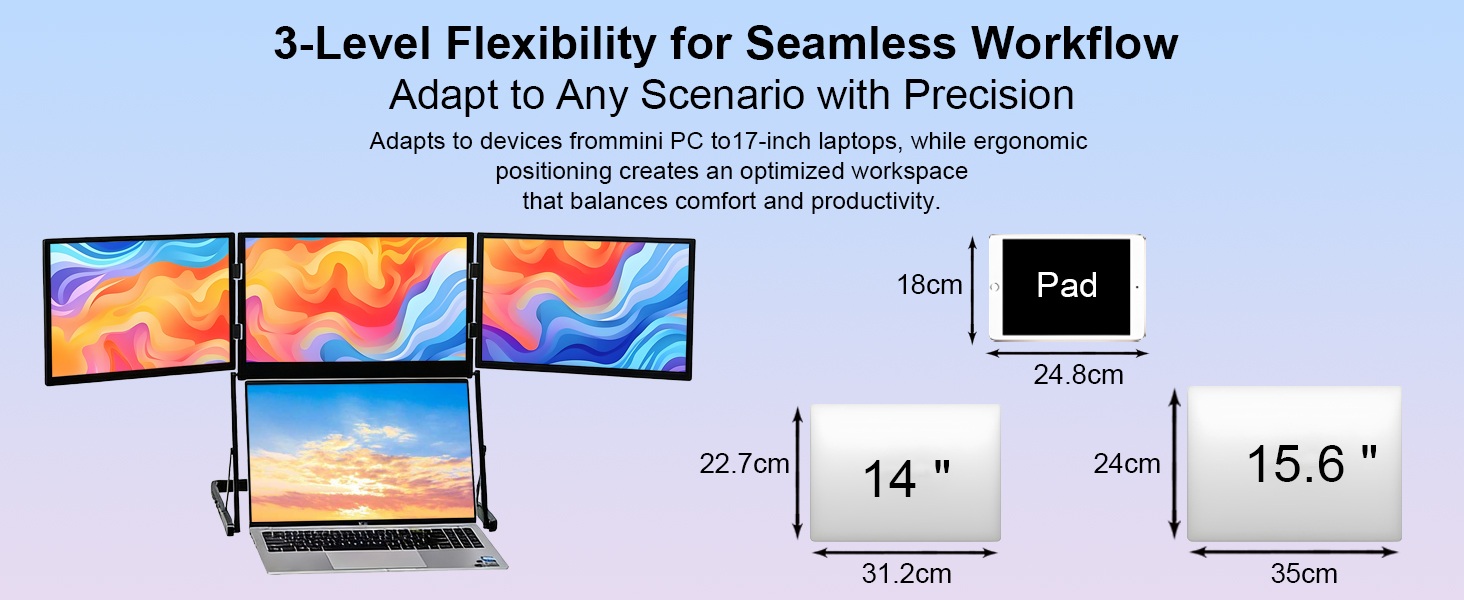
Upgrade any 13.3–16 inch laptop into a triple-screen command center with the A000457-VS140TSFHD001
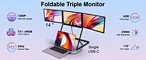
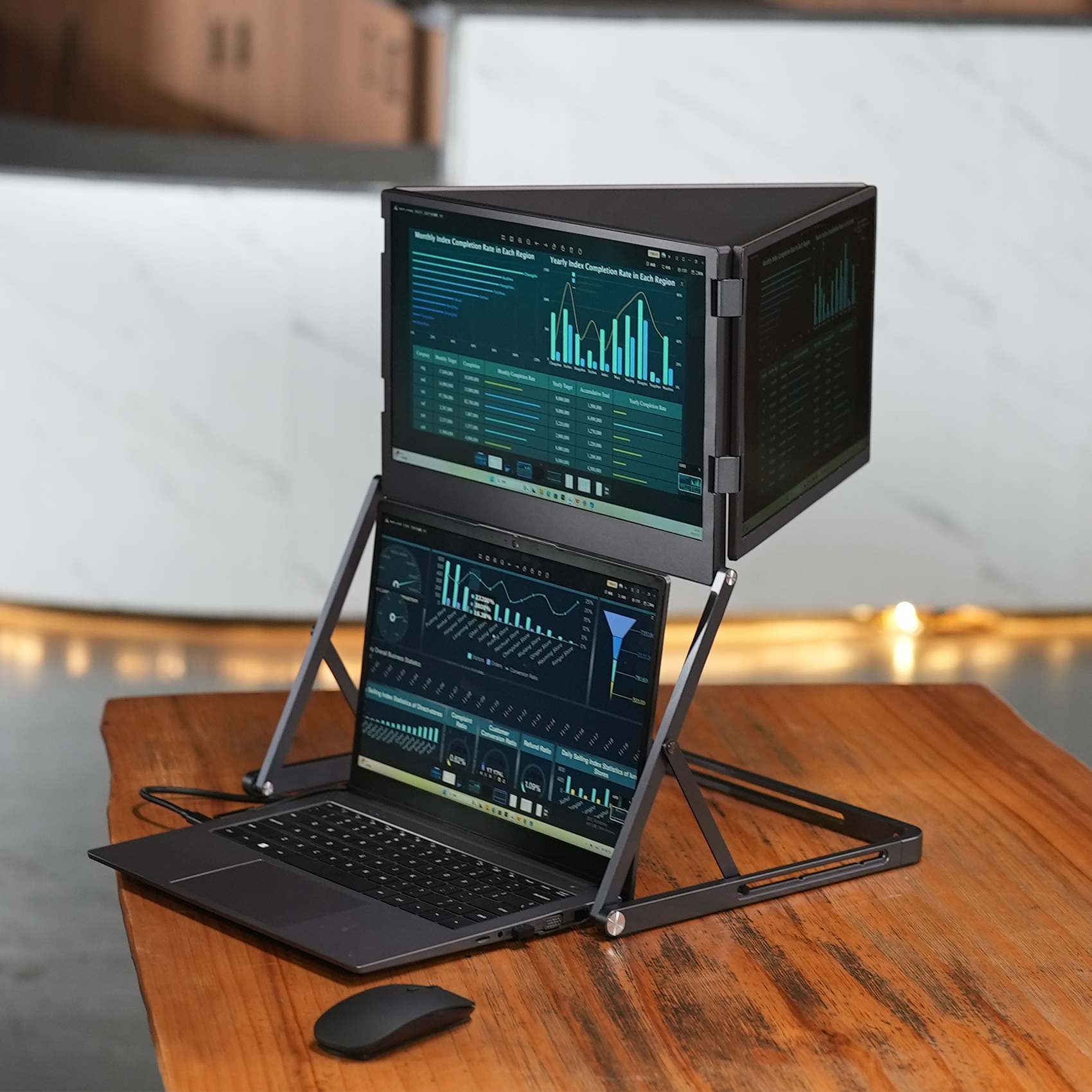
Use our 14inch triple monitor extender (3 external screens + laptop screen) to expand your laptop into a 4-screen-like configuration, with each IPS panel delivering 1920x1200 resolution.
Instantly Turn Your Laptop into a Multi-Screen Workstation.Perfect for multitasking, programming, trading, design, and remote work, helping you boost productivity.
Use our 14inch triple monitor extender (3 external screens + laptop screen) to expand your laptop into a 4-screen-like configuration, with each IPS panel delivering 1920x1200 resolution.
Instantly Turn Your Laptop into a Multi-Screen Workstation.Perfect for multitasking, programming, trading, design, and remote work, helping you boost productivity.
Quantity:
US $99.00
To
via
DHL
Estimated Delivery on
5-7

Product Name:Dual/Triple Screen Laptop Monitor Usb-C H/D Foldable 14inch 1920x1200 Triple Portable Monitor For Laptop Multi-Screen Workstation
Specifications:
Model No.: VS140TSFHD001
Case: Aluminum alloy shell
Monitor Size: 14inch
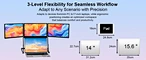
Compatible notebook size:13.3-16 inch
Display Area: 301.594×188.496 (H×V)mm
Resolution:1920x1200
Brightness: 300 cd/m² (Typ.)
Screen Contrast: 1500:1
Screen ratio:16 : 10
View Angle: 89/89/89/89
Response Time: <25ms
Refresh rate:60Hz
Display color:72% 16.7M (8-bit)
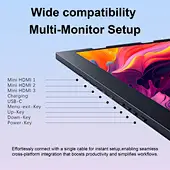
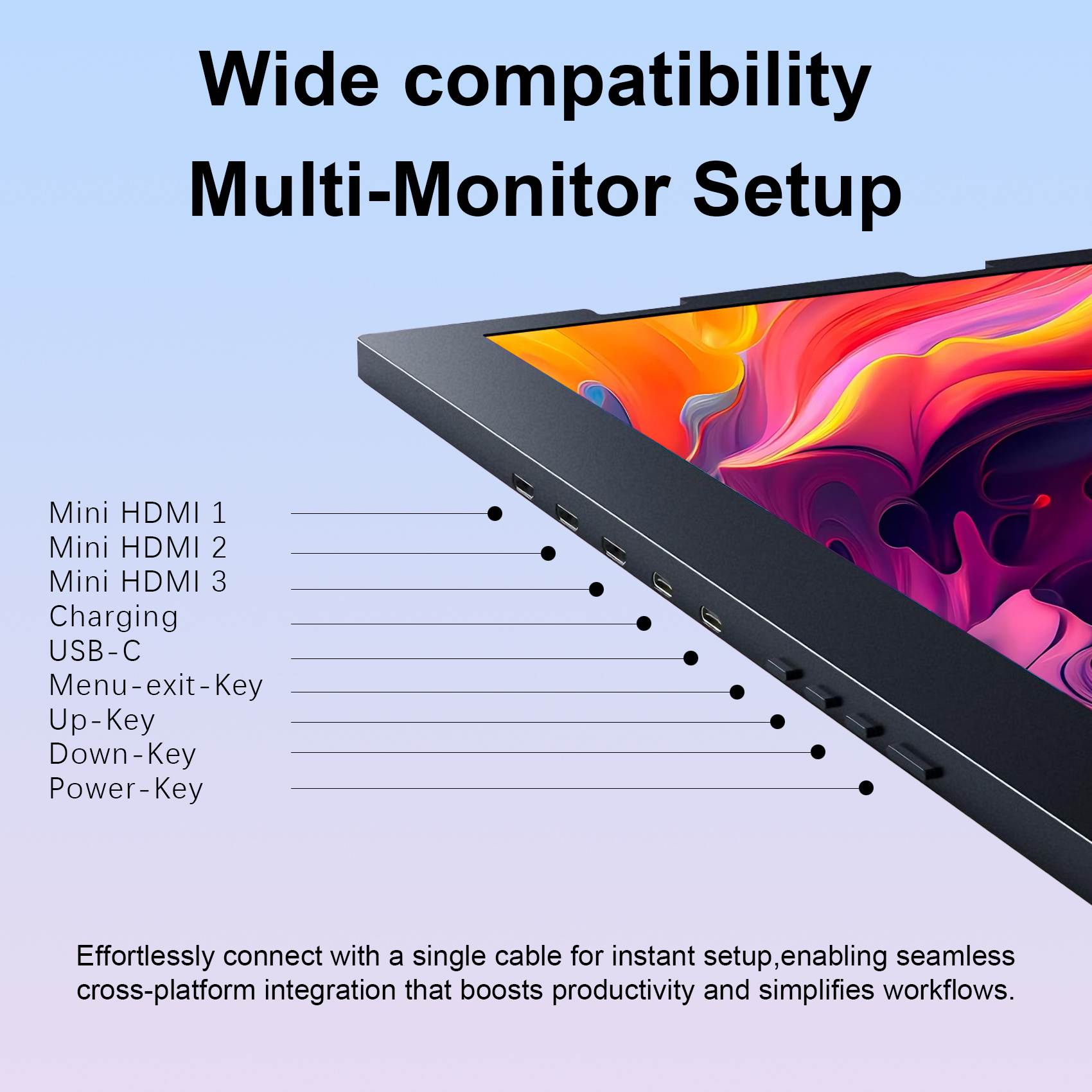
Video Input: Mini H/D,Type C
Power Input: Type C
Operating Temperature: -10 degree to 60 degree
Storage Temperature: -30 degree to 70 degree
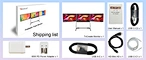
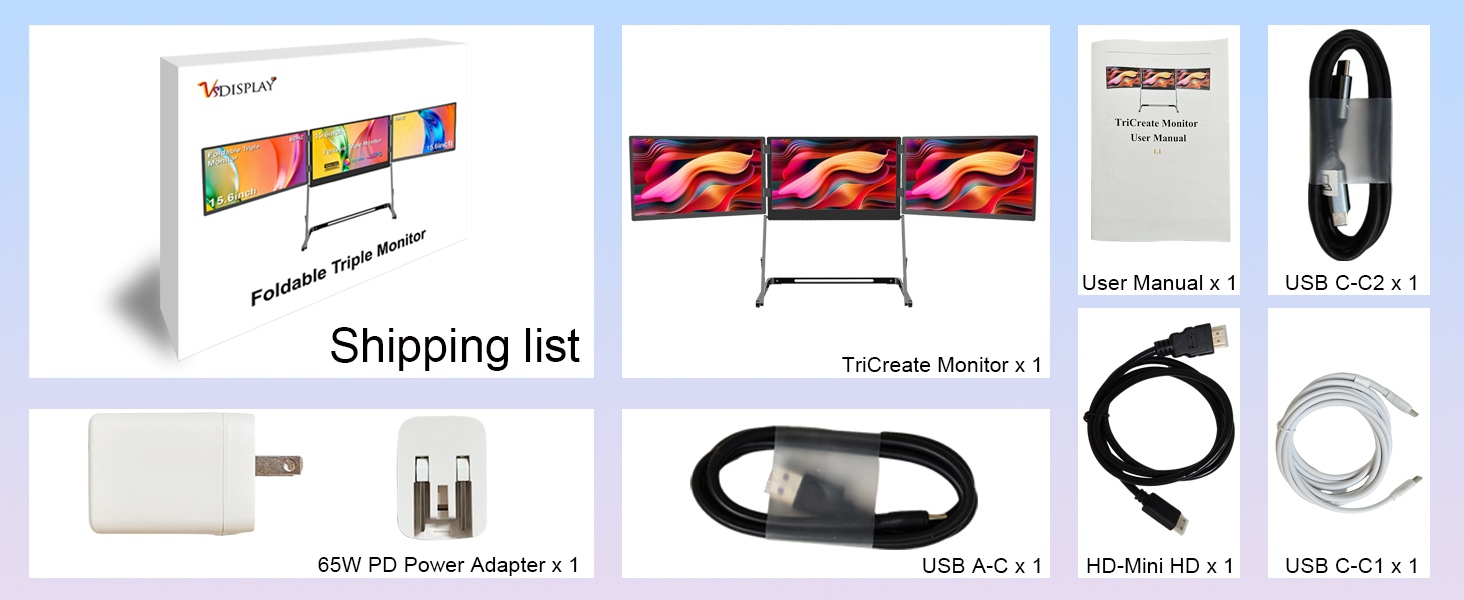
Packing list :
1× 14inch Triple LCD Monitor Triple Monitor For Laptop VS140TSFHD001-(Adding 3 Monitors To Laptop)
1× PD Power Adapter WIth Type-C Cable
1× mini H/D Cable
1× Type-C Cable
1× USBA Cable
1× User Manual
Note:
1.Triple Monitor for Laptop – Instantly Turn Your Laptop into a Multi-Screen Workstation- Expand your laptop’s screen real estate with three full H/D IPS displays. Perfect for coding, trading, video editing, and multitasking on the go.
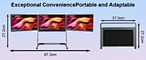
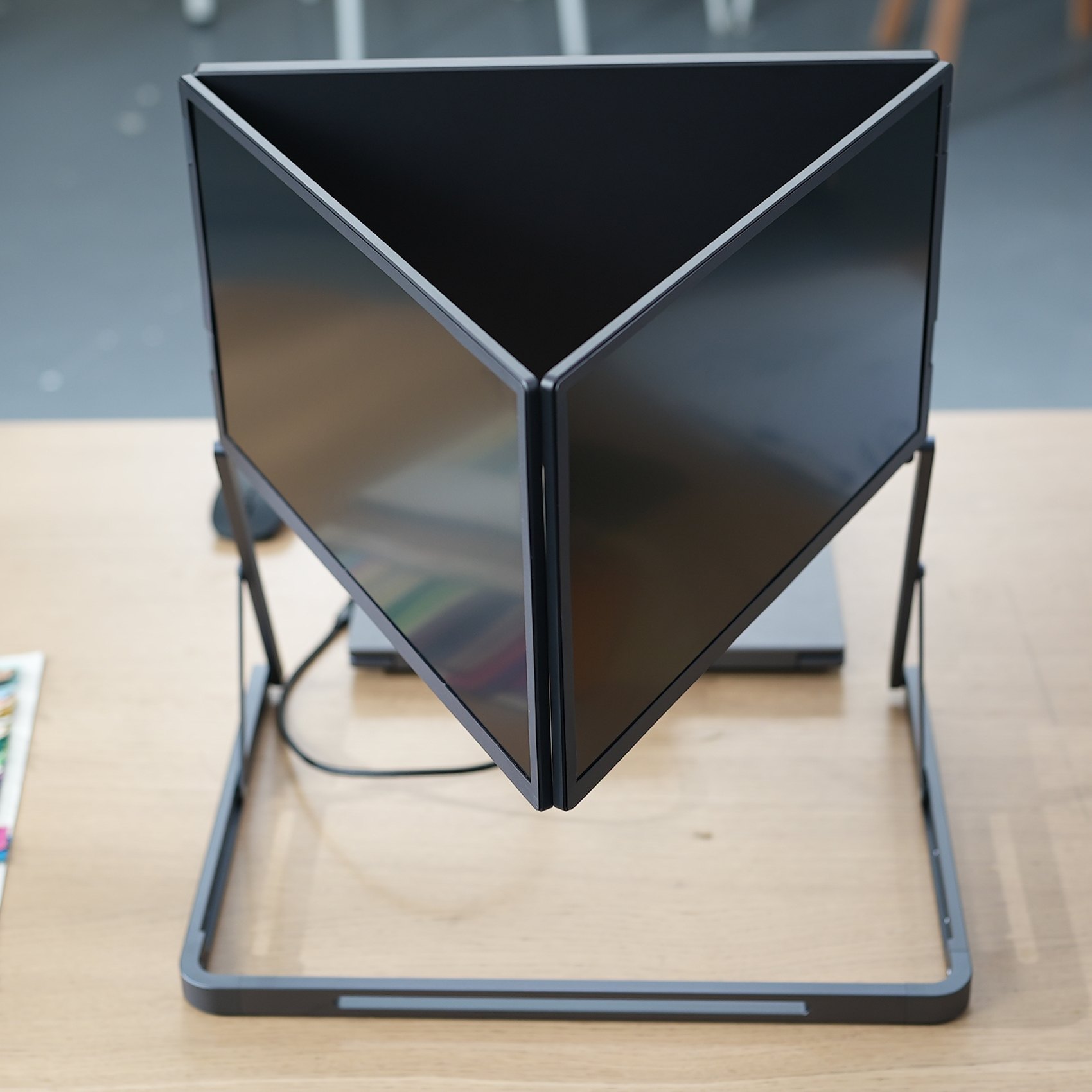
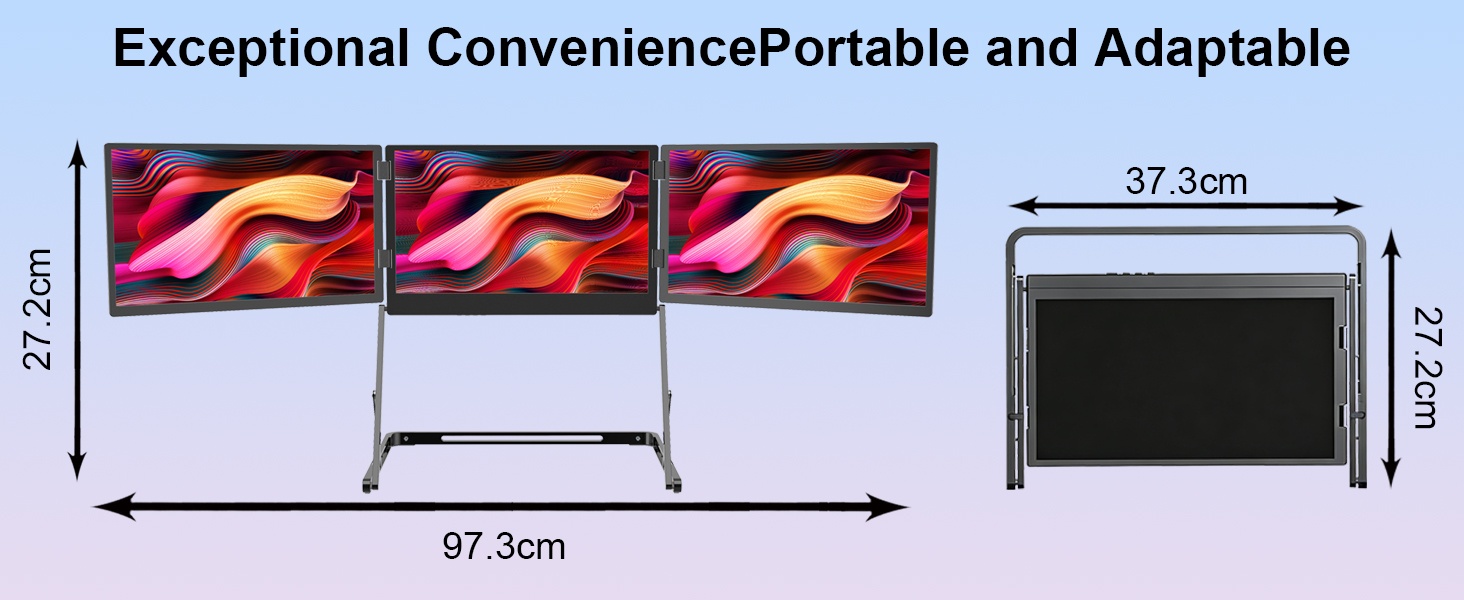
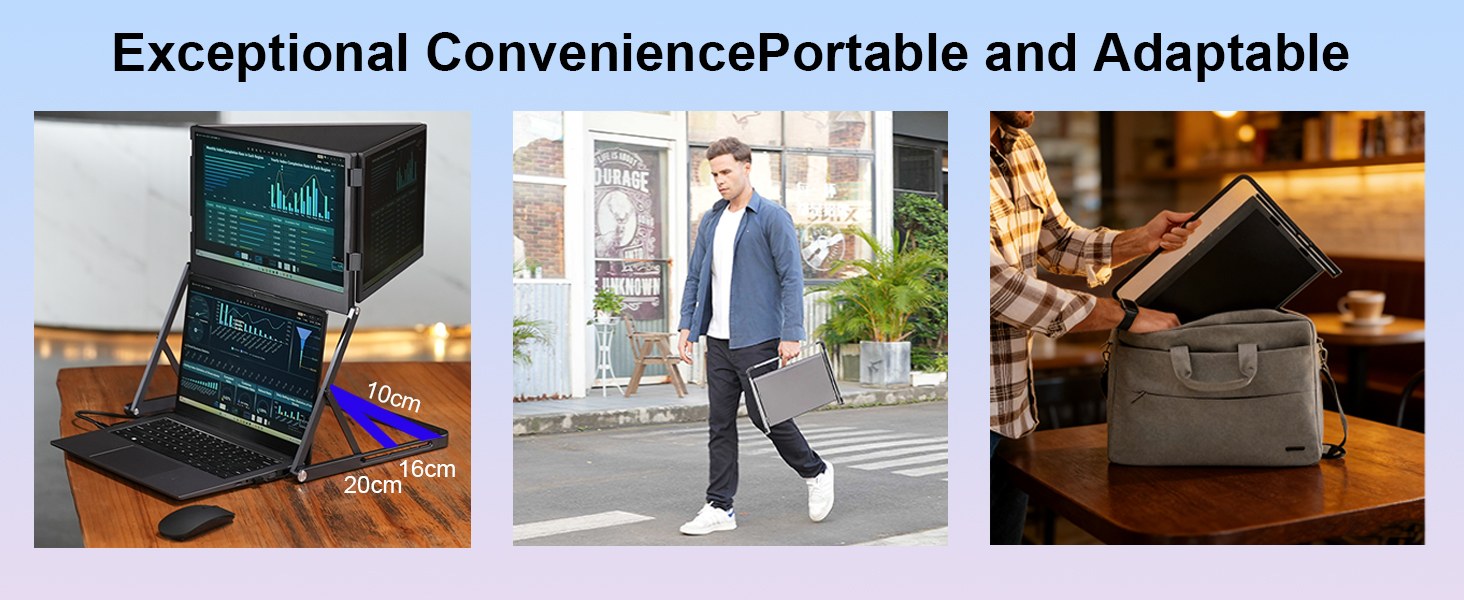
2. Ultra-Portable Foldable Design – Easy to Carry And Set Up – Folds down to a compact size (e.g., 373×272mm for 14″ model) and unfolds into a triple-screen powerhouse.Comes with protective handles and 0~360° adjustable stand.
3.14 inch 1920x1200 triple monitor extender, ips portable laptop triple screen-14″ model: 1920×1200 (16:10) – extra vertical workspace.
4. Multiple Connection Options – One-Cable or Multi-Cable Solution
A.Full-featured Type-C (1 cable for video + power reverse charging)
B.USB-A + Mini H/D (for laptops without DP Alt Mode)
C.3 x Mini H/D direct (each monitor independently connected)
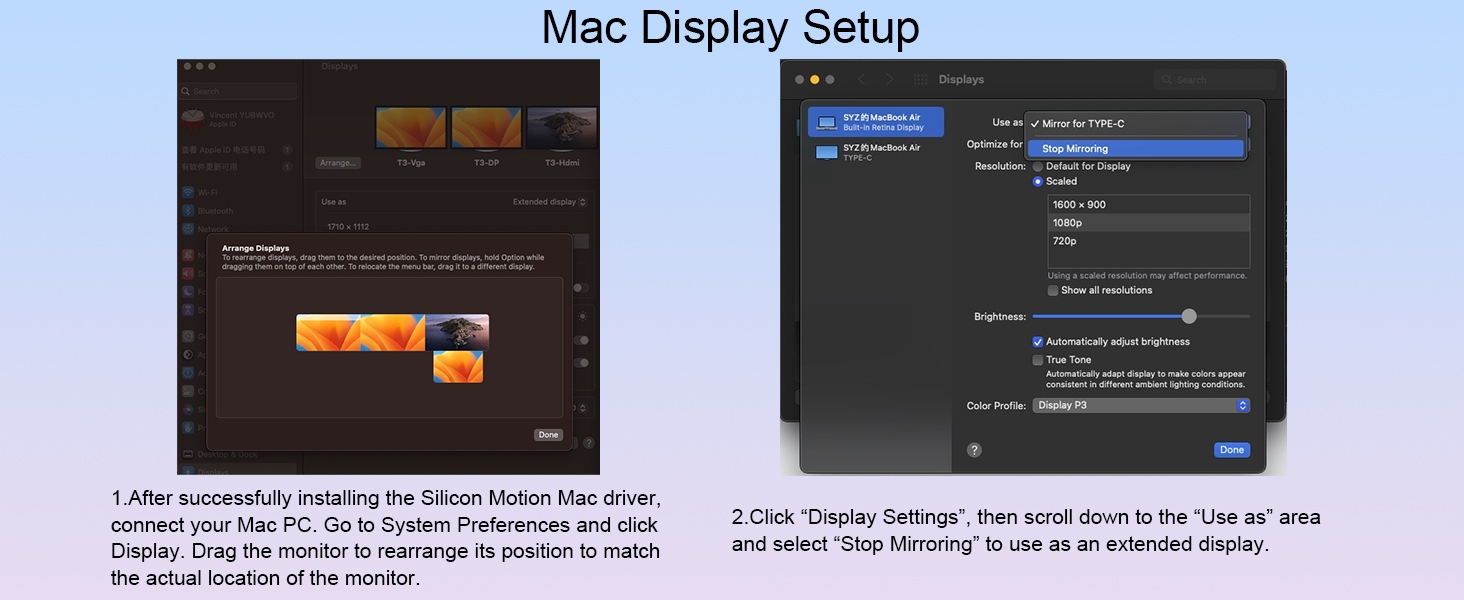
Compatible with Windows, Mac, Linux. Driver (Silicon Motion) required for USB display.
Compatible with Windows, Mac, Linux. Driver (Silicon Motion) required for USB display.Android is not recommended because it is not stable and only supports one display.
6. Individual OSD Control – Adjust Each Screen Independently
Each monitor has its own brightness (0-100) and volume control. Short press the power key to cycle through screens and use +/- keys to adjust. Left (DP) monitor also supports volume quick settings.
Each monitor has its own brightness (0-100) and volume control. Short press the power key to cycle through screens and use +/- keys to adjust. Left (DP) monitor also supports volume quick settings.
7. Easy Driver Install And Plug-and-Play Setup
Download the Silicon Motion driver (Windows/Mac/Linux) from official link, connect the monitor, and extend or mirror your desktop in seconds. Step-by-step guide included.
8.Foldable Triple Monitors, One Unified Experience – Ideal for Productivity
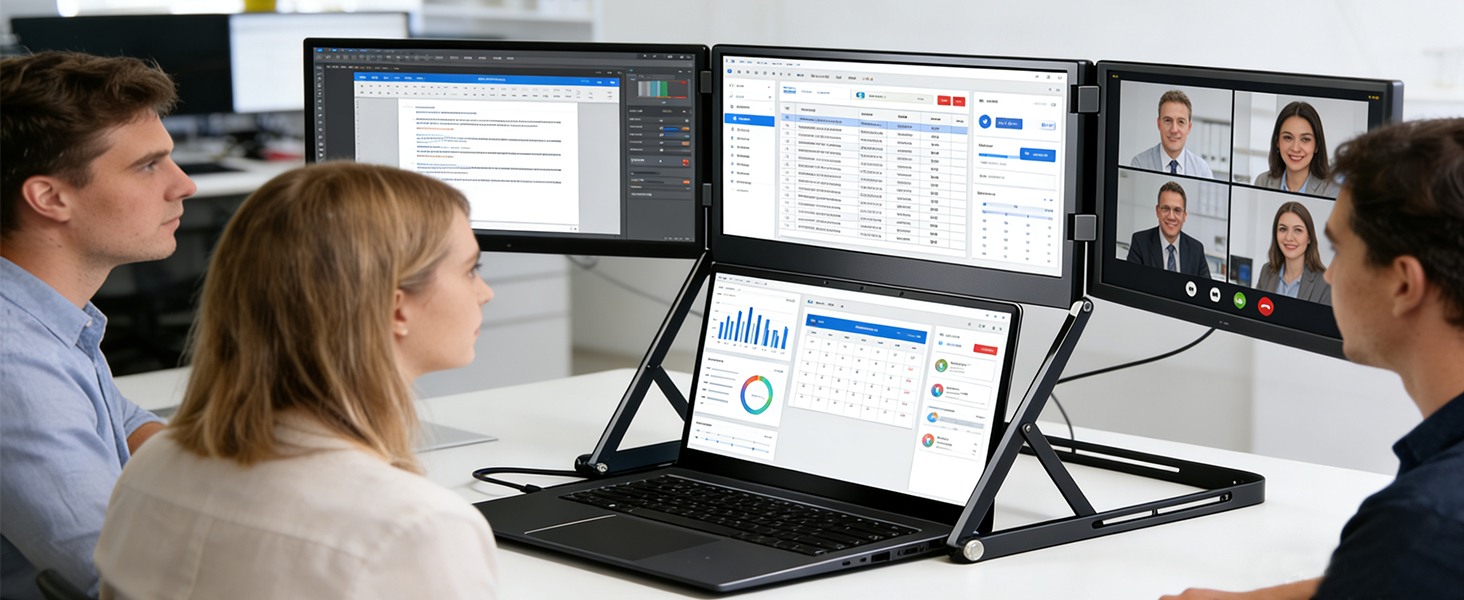
Arrange your workflow: email on left, code in center, browser on right. Supports extend or duplicate modes in Windows/Mac. Identify each screen easily via system settings.
9. Complete Accessories Included
10.Applications:
Work:Compare documents, spreadsheets, emails side by side;
Coding and design: Extend code, preview, tools across three screens;
Study: Notes-research-assignments all visible;
Travel:Portable triple-screen workstation anywhere;
Gaming: Main game chat- guide on side screens;
Personal: Browse-video-notes at once.;
Business: Meeting + docs + emails all visible;
Industrial:Schematics + data + remote support;
Work:Compare documents, spreadsheets, emails side by side;
Coding and design: Extend code, preview, tools across three screens;
Study: Notes-research-assignments all visible;
Travel:Portable triple-screen workstation anywhere;
Gaming: Main game chat- guide on side screens;
Personal: Browse-video-notes at once.;
Business: Meeting + docs + emails all visible;
Industrial:Schematics + data + remote support;
Send Message
Comprehensive score